BUG REPORT
Genie Quest

Players who enjoyed Genie Quest also loved these




















Hot titles being played across the platform
 HOT
 HOT
 HOT
 HOT
 HOT
 HOT
 HOT
 HOT
 HOT
 HOT
 HOT
 HOT
 HOT
 HOT
 HOT
 HOT
 HOT
 HOT
 HOT
 HOT
Pick another awesome game and continue playing









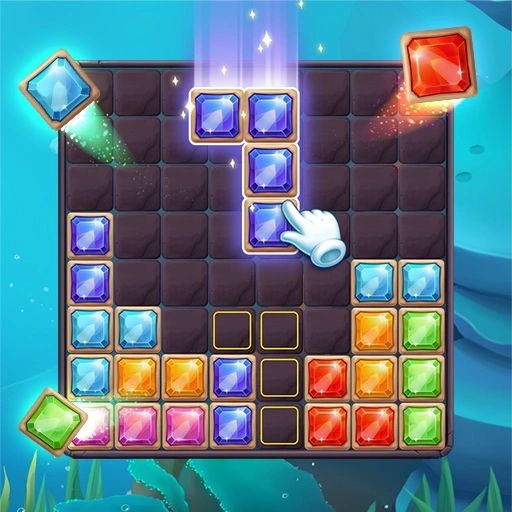







Ever wished you could just snap your fingers and make a puzzle solve itself? That's basically the fantasy behind Genie Quest, a browser-based brain teaser that drops you into a magical lamp-filled world where matching gems and freeing trapped spirits is the name of the game. The premise is simple: a mischievous genie has scattered enchanted relics across a series of increasingly tricky grids, and only a sharp-eyed player can line them up and break the curse.
What makes Genie Quest such a hit on unblocked games g plus portals is its instant-load, zero-download format. You click, you play, you're hooked. No installs, no waiting, no nagging pop-ups — just pure puzzle satisfaction. It's the kind of game that sneaks up on you during a five-minute break and suddenly eats forty minutes of your afternoon.
The core objective is to match three or more identical magical tiles — lamps, gems, scrolls, and potions — by swapping adjacent pieces on the board. Every successful match clears tiles and adds points to your score meter, while special combos trigger genie-powered chain reactions that clear entire rows or columns.
On desktop, simply click a tile and then click an adjacent one to swap them. If the swap creates a match, it sticks; if not, the tiles bounce back. On mobile or tablet, just tap and drag — the touch controls are smooth and responsive, which is a big reason Genie Quest works so well as an unblocked game on phones and Chromebooks alike.
Each level has a move limit or a timer, so you can't just spam swaps. Plan your moves, watch the board, and clear the objective before you run out of chances.
1. Always scan from the bottom up. Matches made near the bottom of the grid cause tiles above to cascade, often creating free combos you didn't plan. Working bottom-up maximizes accidental chain reactions.
2. Save your power-ups for stuck boards. Don't waste a row-clearing genie blast on an easy match. Hold it until the board is jammed and you're low on moves — that's when it saves a level.
3. Look for L-shapes and T-shapes. These formations create bonus tiles that explode and clear surrounding pieces. Prioritize setting them up over simple three-in-a-row matches.
Yes — it's completely free and runs directly in your browser. No account, no payment, no downloads required.
Absolutely. It's a popular pick among unblocked games for school because it loads fast, works on Chromebooks, and doesn't need any special software.
Yes, Genie Quest is fully touch-optimized. Tap and drag to swap tiles, and the layout scales cleanly to phone and tablet screens.